Home / Make videos
Make videos
Record any match in vertical 9:16, with sound, and post it straight to short-form video apps.
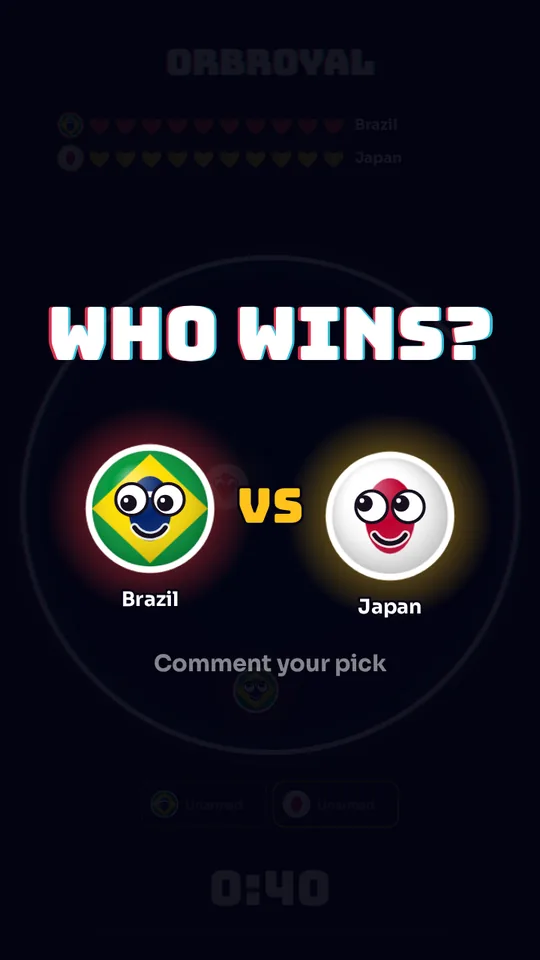
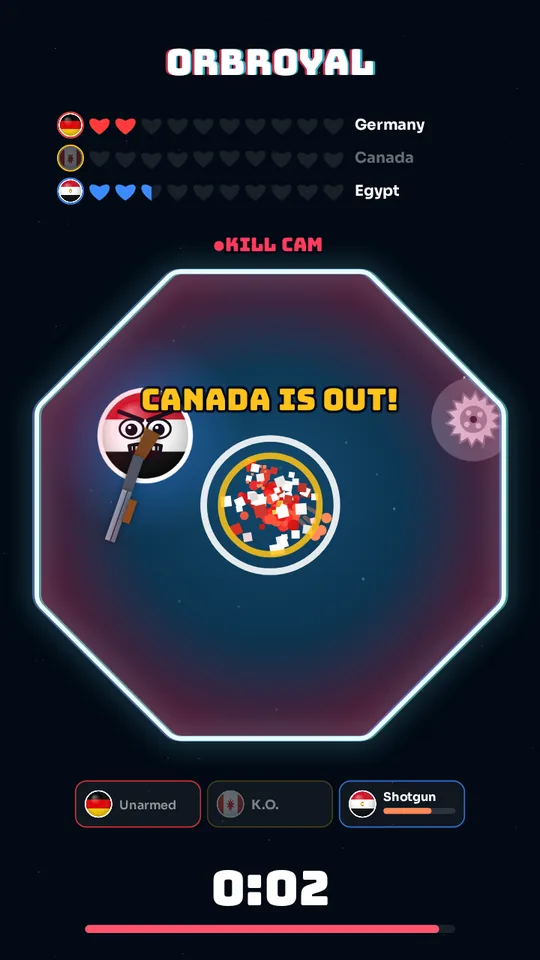
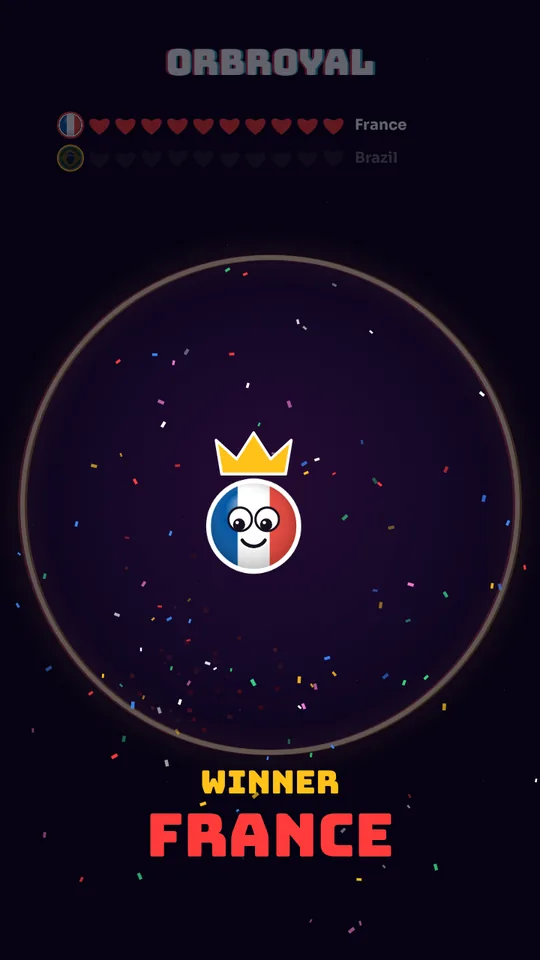
How recording works
OrbRoyal draws every match on a vertical 9:16 canvas, the shape used by Reels, YouTube Shorts and TikTok. When recording is on, the browser captures that canvas together with the game’s sound effects and creates a video file on your device. Nothing is uploaded anywhere.
Recording starts automatically at the beginning of a match if you leave Record every match in 9:16 ticked. You can also use the Rec button during a match to start or stop it yourself. When a recording is ready, the Save video button appears.
What goes into the video
- The “who wins?” card (optional) with your own question.
- The countdown, the fight, the knockouts and the winner banner.
- Your custom title across the top.
- The game’s sound effects.
The video is a little longer than the match itself, because it also includes the prediction card, the countdown and the winner banner at the end, roughly 8 to 11 seconds in total.
Quality and file size
| Setting | Choices | Good for |
|---|---|---|
| Video quality | 720 × 1280 or 1080 × 1920 | 720p is lighter and plays on almost any device. 1080p is sharper on big screens. |
| File size | Small, Balanced, High | Small for quick sharing. Balanced is the default. High keeps the most detail. |
| Graphics | Auto, Full, Light | Light helps slow phones and gives smoother recordings. |
The setup screen shows an estimate such as “Up to about 26 MB”. It is a ceiling: real files are often smaller. On phones and low-memory devices the game lowers the quality automatically if a very long match would make the file too large, and a recording stops safely if it grows too big for the device’s memory.
Tips for videos people finish
- Ask a question. Leave the prediction card on and change it to something your audience wants to answer, such as “Pick your winner”.
- Keep it short. Matches of 20 to 40 seconds suit short-form video. Use fewer hearts for faster action.
- Use recognisable fighters. Flags, mascots or your followers’ faces make people care who wins.
- Vary the arena. A new shape and theme every video keeps a series fresh.
- Protect your audience. Calm effects removes shake and softens flashes for people who are sensitive.
Posting your video
- Press Save video when the match ends. On a computer the file goes to your downloads; on a phone your browser may offer a share sheet.
- Open Instagram, TikTok or YouTube and choose the saved file. The 9:16 shape fits all three.
- If an app rejects the file, record again with 720p and Small or Balanced size, or try a different browser.
When you use pictures
Only upload pictures you have the right to use, and only show people in videos if you have their permission. Your videos are your responsibility once you share them. See the terms of use.
Record a match
Leave recording on, press start, then save the video when the winner appears.
Play OrbRoyal